Customer expectations are simple: get the problem solved quickly without repeating the same information across multiple channels. But growing ticket volumes and disconnected support tools make that difficult for teams to deliver consistently.
Customer service automation helps close that gap by handling repetitive requests, routing tickets, retrieving relevant information, and completing routine workflows automatically. Modern AI agents for customer service can go further than traditional chatbots by understanding intent, using customer context, and taking approved actions across connected systems.
Explore how customer service automation works, the technologies powering it, where businesses are using it, and the benefits it can bring. We’ll also look at real-world examples and how to measure its performance and ROI.
How Does Automated Customer Service Work?
Automated customer service looks at what a customer’s asking. It figures out the answer and gives a response or starts the next step. This system can take care of questions like FAQs. It can also send updates, move tickets to the team, and handle simple requests. All of this works without needing an agent to get involved.
More advanced AI-powered customer support uses customer data and conversation history to handle multi-step requests. AI agents for customer service can also take approved actions or pass complex cases to a human agent with the full context.
Key Technologies Powering Customer Service Automation
Modern customer service automation is not built around one chatbot. It combines several technologies that work together to understand requests, find reliable information, take actions, and move complex cases to the right person. Current support platforms increasingly connect these capabilities with CRM, ticketing, knowledge, and workflow systems.
AI agents and conversational AI: Handle customer conversations, understand intent, and complete approved tasks rather than only returning scripted answers.
Intelligent ticket routing: Classifies requests by intent, priority, language, or sentiment and sends them to the right queue or agent.
Knowledge retrieval and RAG: Connects support automation to approved FAQs, policies, product documentation, and previous support content so answers are grounded in business information.
Workflow automation: Triggers actions such as ticket updates, follow-ups, approvals, notifications, or backend processes once specific conditions are met.
Predictive analytics: Uses support data to identify patterns such as likely escalations, demand changes, or customer dissatisfaction before they become larger issues.
Together, these technologies turn an AI customer support platform into more than a question-answering tool. Businesses can use AI agent development services to build agents that connect conversations with real customer service workflows while keeping human escalation available for requests that require judgment.
How Customer Service Automation Works From Request to Resolution
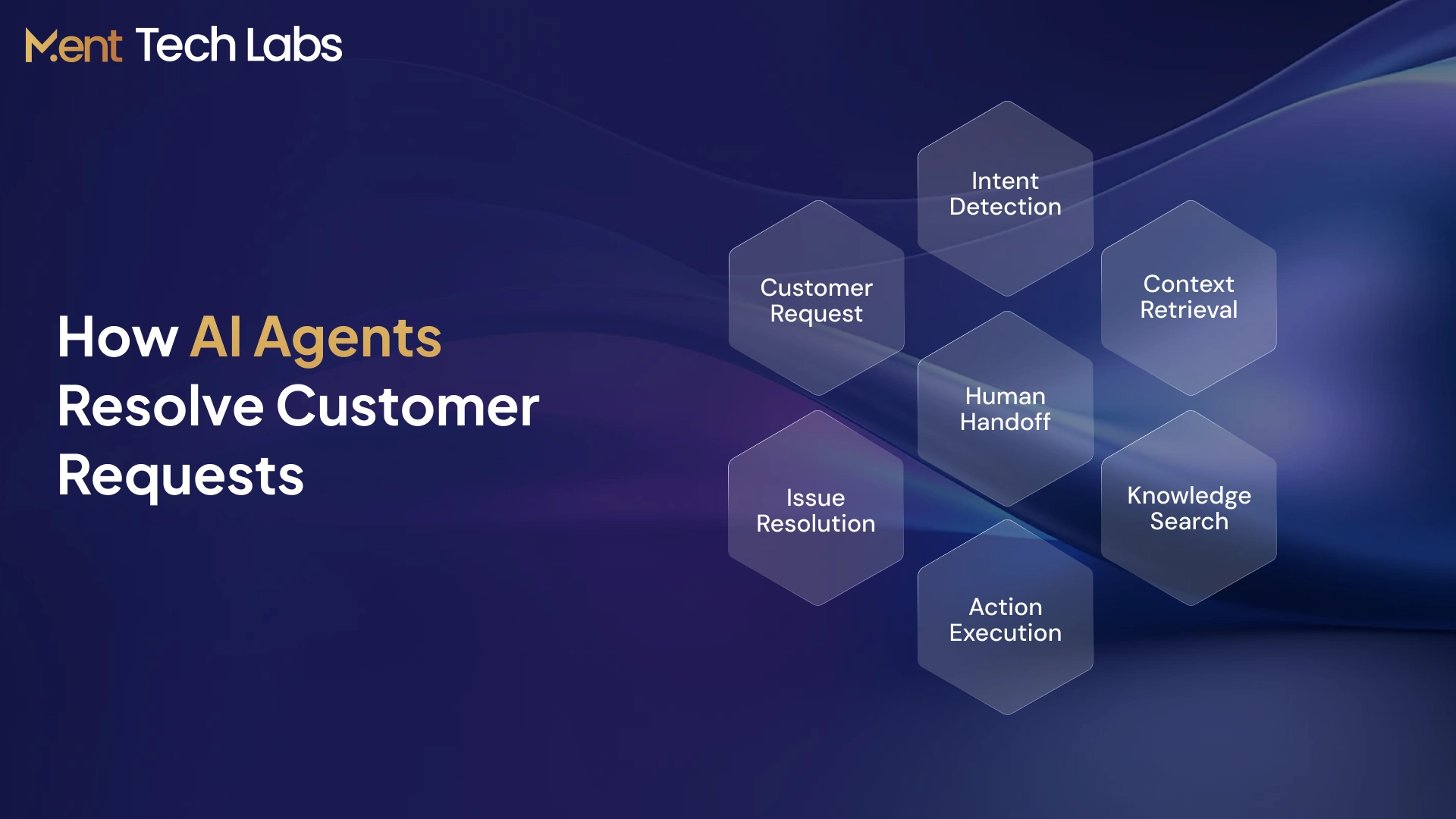
Good customer service automation goes beyond instant replies. It understands what the customer needs, pulls the right context, takes the next action, and brings in a human when the request needs more attention.
1. Capture the Request
A customer reaches out through chat, email, voice, SMS, or another support channel. An AI customer support platform brings these requests into a connected support flow.
2. Understand the Context
The system identifies what the customer is trying to do and retrieves useful context such as account details, previous conversations, orders, or relevant policies.
3. Retrieve the Answer
Instead of relying on a fixed response, the system can search approved knowledge sources for information relevant to that specific request. Enterprise RAG development can provide this knowledge layer for document- and policy-heavy support environments.
4. Take the Action
Modern AI agents for customer service can move beyond answering questions. With the right permissions, they can update records, check an order, schedule an appointment, trigger a return, or start another customer service workflow automation process.
5. Resolve or Escalate
When a request can be completed safely, the customer receives the resolution directly. When a request needs judgment, approval, or specialist support, the case moves to an agent. The human agent receives the conversation history and customer context. The customer does not have to start over.
Benefits of Automated Customer Service
Customer service automation helps support teams resolve routine requests faster while keeping service consistent as customer volumes grow. It also gives agents more time to focus on conversations that need judgment, empathy, or deeper problem-solving.
1. Faster Resolution
- Respond to routine requests instantly
- Reduce ticket queues and wait times
- Route complex issues to the right agent
2. Lower Workload
- Automate repetitive support tasks
- Reduce manual ticket handling
- Let agents focus on complex cases
3. 24/7 Support
- Handle common requests after hours
- Support customers across time zones
- Maintain service during demand spikes
4. Consistent Service
- Use approved answers and workflows
- Reduce inconsistent customer responses
- Keep context across support channels
5. Easier Scaling
- Handle growing support volumes
- Use AI-powered customer support for recurring requests
- Scale operations without matching every increase in volume with additional agents
An AI customer support platform can bring these capabilities together by connecting AI agents for customer service with knowledge, customer data, and support workflows.
Customer Service Automation Use Cases Across Industries
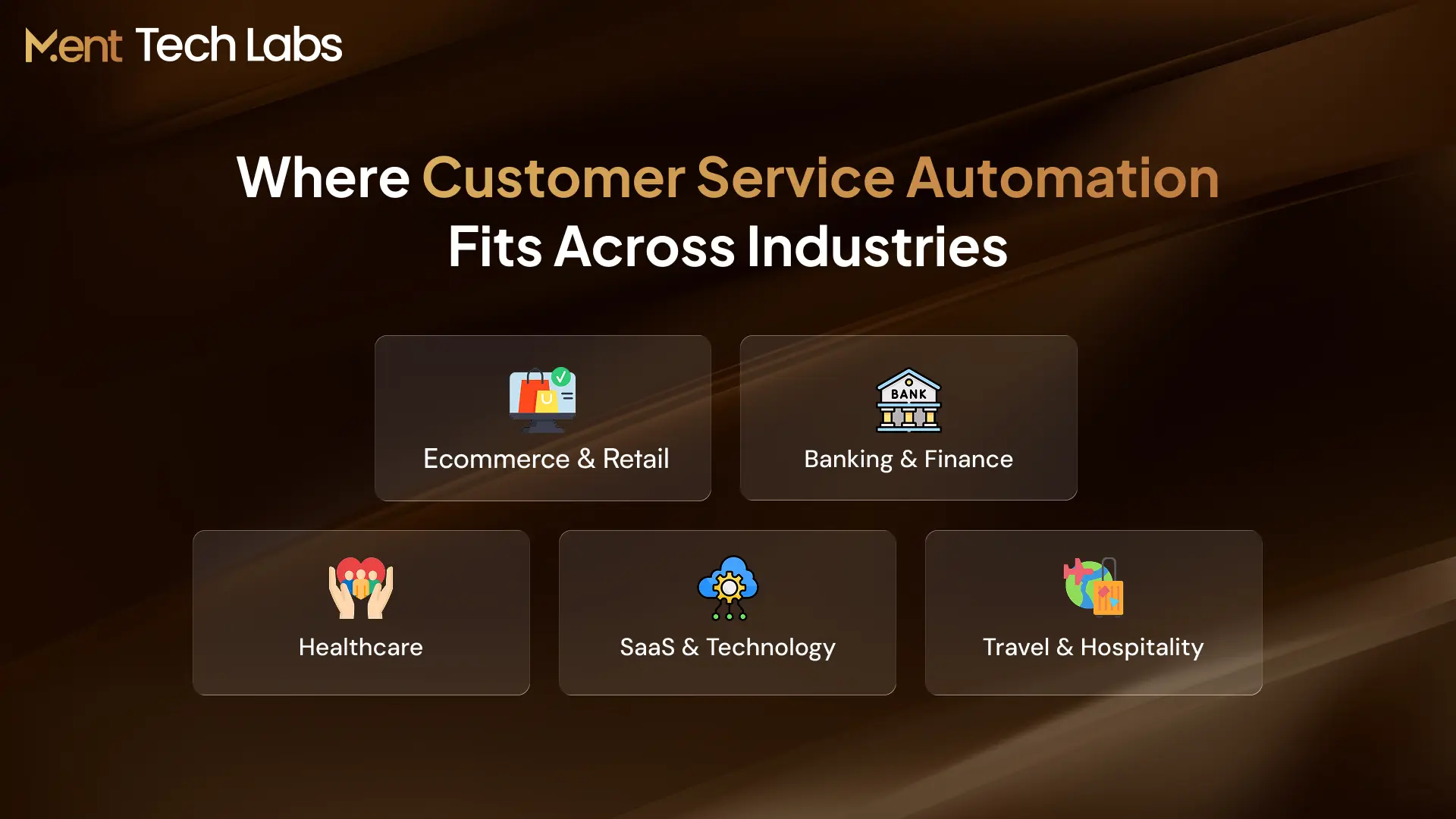
Customer service automation works best when it is designed around the requests customers actually make. The workflows vary by industry, from resolving order issues in retail to managing account requests in financial services.
- Ecommerce & Retail
Customers often contact support about orders, deliveries, returns, and product availability. Automation can check order data, provide real-time status updates, start eligible returns, and escalate exceptions without making customers repeat their request.
- Banking & Finance
Banks can automate routine account, payment, and service inquiries while keeping sensitive actions under stricter controls. An AI customer support platform can also route requests that require verification, approval, or specialist review to the appropriate team.
- Healthcare
Automation can help with appointment scheduling, reminders, administrative questions, and patient-request routing. The focus here is reducing repetitive coordination while keeping clinical or sensitive conversations with qualified staff.
- SaaS & Technology
SaaS companies can automate onboarding questions, subscription requests, common troubleshooting, and ticket classification. AI chatbot development can also connect these conversations with product knowledge, CRM data, and support workflows.
- Travel & Hospitality
Travel businesses can use AI-powered customer support to help with reservation questions, booking changes, cancellation updates to itineraries, and requests related to loyalty programs. When there are issues or requests that don’t fit the rules that are already set the conversation can then go to a human agent. The customer’s information and the history of the conversation stay with the customer.
How Ment Tech Labs Builds AI-Powered Customer Service Automation
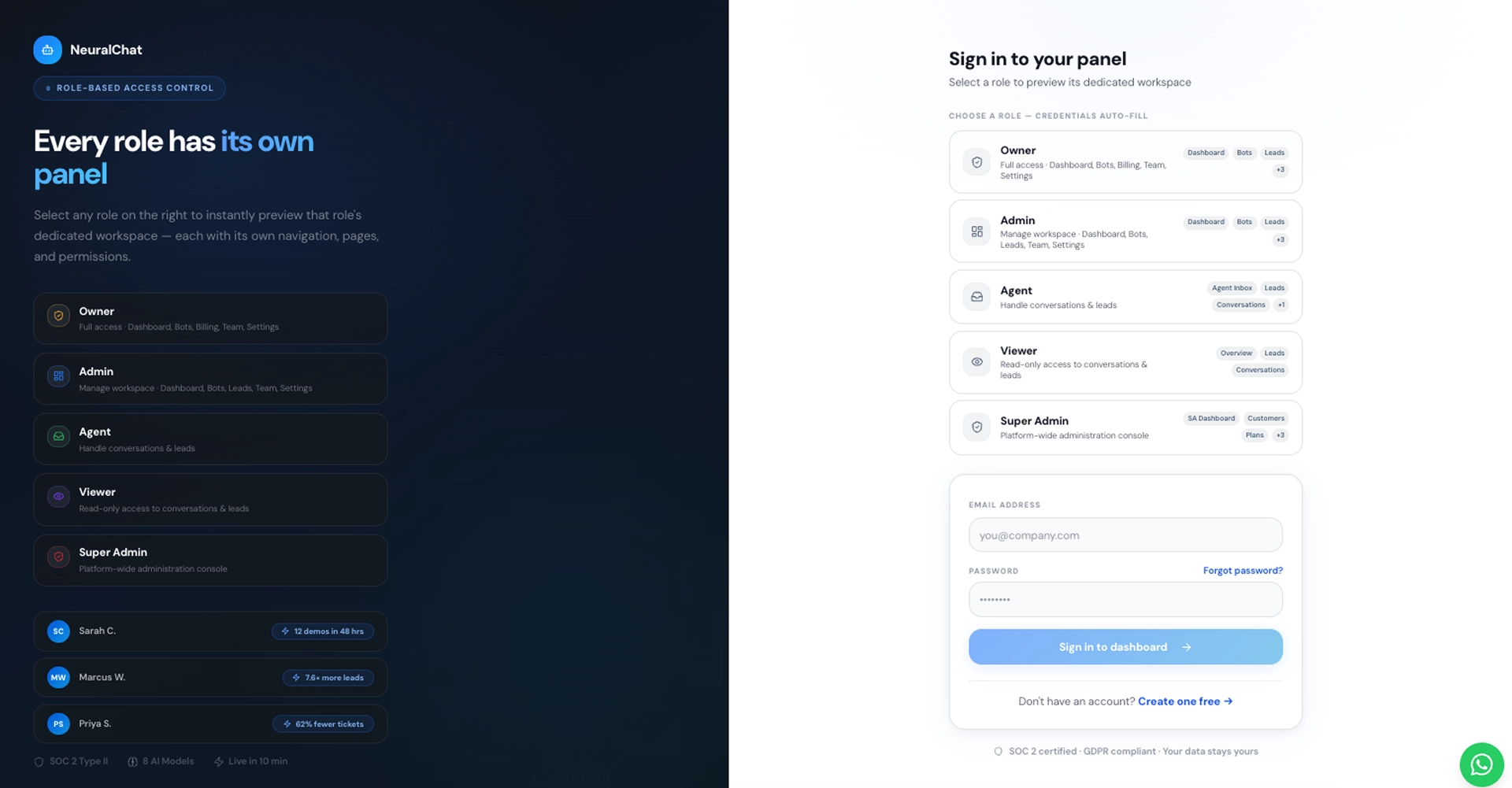
A customer asks a question, and the platform works behind the scenes to understand the request, find relevant information, and move it toward resolution. Ment Tech Labs connects customer service automation with business knowledge and support workflows so routine requests can be handled without unnecessary back-and-forth.
The AI customer support platform also keeps human agents part of the process. When a request needs approval, judgment, or deeper support, it can be handed over with the conversation and relevant context already available.
Measuring Customer Service Automation Performance and ROI
The value of customer service automation should show up in both customer experience and day-to-day support operations. Instead of focusing only on how many conversations are automated, teams should track whether customers are actually getting faster resolutions with less manual effort.
1. Automated Resolution Rate
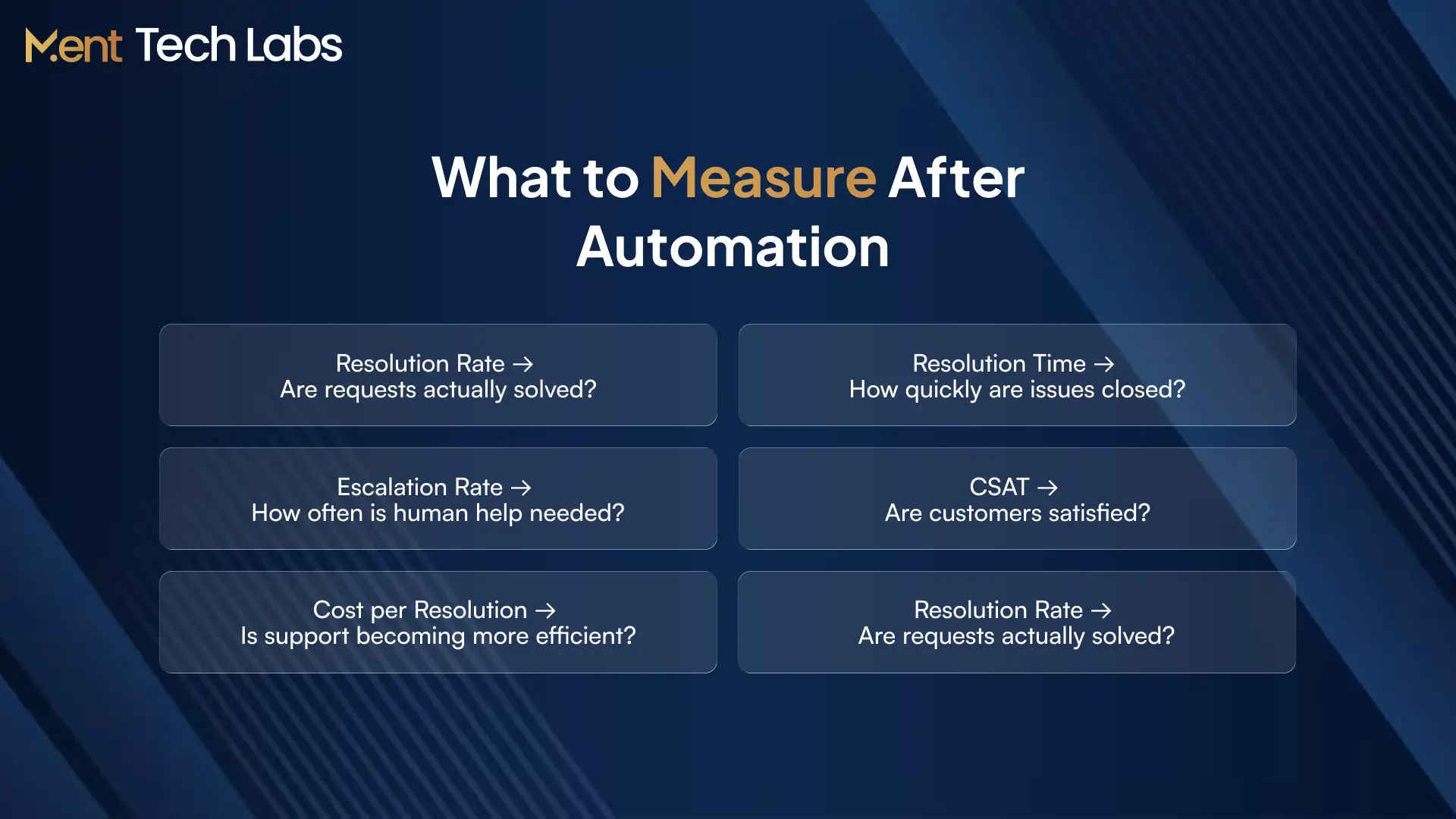
Measure the percentage of requests completed without human intervention. A strong rate shows that automation is resolving customer needs, not simply responding to them.
2. Average Resolution Time
Track the time from the customer’s first message to a completed resolution. This helps determine whether automation is actually removing delays from the support journey.
3. Cost per Resolution
Compare the cost of running support operations with the number of issues successfully resolved. This shows whether automation is reducing the cost of handling routine requests as volumes grow.
4. Customer Satisfaction
Monitor CSAT after automated interactions. Faster service only creates value when customers also feel their questions were understood and properly resolved.
5. Escalation Rate
Track how often AI-powered customer support passes conversations to human agents. Reviewing why those escalations happen can reveal workflows that need better knowledge, integrations, or automation rules.
6. Agent Productivity
Measure changes in handling time, repetitive workload, and the number of complex cases agents can manage. Effective automation should free agents from routine tasks rather than simply add another tool to their workflow.
Conclusion
Customer service automation works best when it solves real customer problems, not when it simply adds another chatbot to the support stack. The focus should be on reducing repetitive work, shortening resolution times, and making it easier for customers to get the help they need.
As AI-powered customer support becomes more capable, businesses can automate more of the journey while still keeping people involved where judgment, approval, or empathy matters. The right balance is automation for predictable work and human support for situations that need a personal touch.
Ment Tech Labs builds customer service automation around real business workflows, connecting AI agents with knowledge bases, CRM systems, support tools, and the backend processes. The goal is to create a support experience that can resolve more requests while giving teams clear control over where and how automation is used.