Introduction
As companies use AI agents in parts of their business systems, keeping track of what these agents do how they work and what they access becomes harder. These agents talk to APIs, databases and other internal tools. AI agent management helps companies keep everything under control and visible.
Handling agents means making sure they are who they say they are limiting what they can do and watching them as they work. If companies don’t watch closely they risk people getting into data they shouldn’t spending much on APIs and not following the rules.
This blog talks about AI agent management, control planes, agent inventories, rules, permissions, and saving money. It also covers the problems that come with using agents and the best tools available in 2026.
What Is AI Agent Management, and Why Does It Matter?
AI agent management is the process of watching over guiding and taking care of agents that are used in business systems. It includes how agents get data use tools that are connected do their work and talk to programs. Companies use it to give people the right to do things, see what is happening and find problems before they stop business from working
As companies add agents in different areas, taking care of each one on its own becomes hard. Enterprise agent management gathers these agents under the set of rules, helping IT teams stop people from getting into things they should not watch how much is being used and make sure everyone is responsible. It also helps to look into tasks that did not work, handle security dangers and make sure agents follow the company rules.
How Does Enterprise AI Agent Management Work?
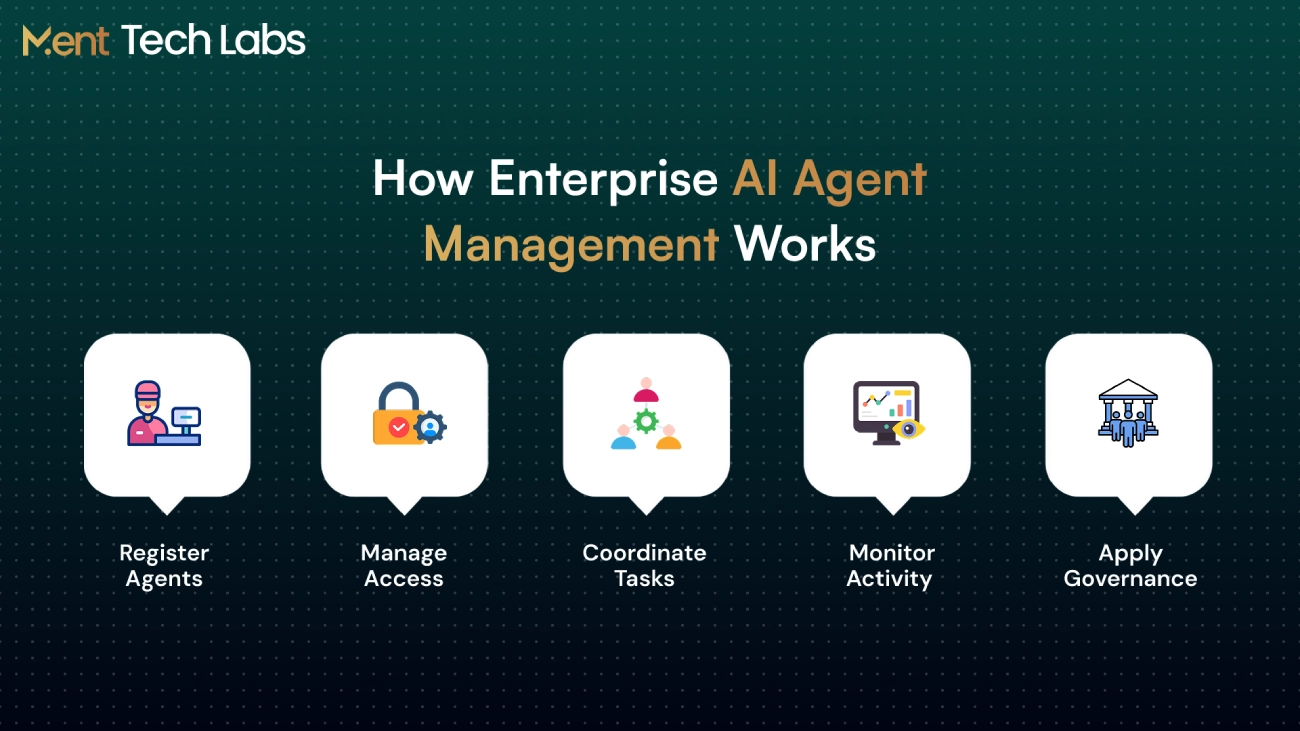
Enterprise AI agent management brings together agents, what they do, and who can use them into a system. Here is how companies take control of agents across applications and processes.
1. Agent Registration
Each agent is registered with information about what it does, who’s responsible for it, and which systems it connects to. This allows IT teams to understand which agents are active and where they are being used.
2. Access Management
Each agent is given access rights based on the work it needs to do. Access to data, APIs and company applications is limited to stop unwanted actions.
3. Task Coordination
Agents are given tasks. Connected to the correct tools and processes. When multiple agents work together, the system handles how the tasks are done and how they pass work between each other.
4. Activity Monitoring
IT teams watch what agents do how often tasks fail how fast they respond and how much they use resources. This helps them find problems with performance and look into issues before they hurt the business.
5. Governance and Updates
Organizations check what agents are doing make sure security rules are followed and update agents when needed. Agents that are not needed anymore can be turned off. Removed safely.
AI Agent Inventory: How to Prevent Agent Sprawl?
When different departments begin using their agents, it becomes hard to keep track of all of them. Some agents end up doing the tasks while others stay connected to business systems even after they are no longer needed. As time passes, this leads to agent sprawl. Makes it hard for IT teams to see what is actually running.
An AI agent inventory helps teams have a record of every agent, who is, in charge of it what jobs it does and which systems it can use. This helps teams find agents that are doing the work check permissions and get rid of agents that are no longer needed.
Companies that use AI agent workflow automation services can also track agents that are working on tasks. With responsibility and regular checks teams can stop agents from having unnecessary access and make sure workflows stay easy to handle.
AI Agent Control Plane: How Does It Work?
An AI agent control plane provides IT teams with a location to manage agents that operate across multiple systems. Of checking each agent one by one teams can look at what each agent is doing control the access that each agent has and apply security rules to each agent. This is especially helpful when many departments have agents running at the time.
Here is how the control plane works:
Agent Discovery: Keeps a record of agents shows who owns each agent and lists the applications that each agent is connected to.
Access Control: Ensures that each agent can only use the data, APIs and tools that are needed for the tasks that have been assigned to that agent.
Policy Enforcement: Checks the actions of each agent against the rules set by the company. Sends requests that require approval, to the relevant approver when needed.
Activity Monitoring: Tracks tasks that have been completed requests that have failed and unusual activity so that teams can find out what went wrong with each agent.
Operational Control: Lets IT teams pause an agent change the permissions of that agent or stop that agent from accessing systems.
For example if a finance agent tries to open payroll records that it is not authorized to use the control plane can deny the request. Log that attempt. The security team can then investigate that event without stopping agents from working.
How to Manage AI Agent Permissions and Governance?
AI agents often need access to customer records, internal tools and business applications to get their work done. Giving every agent the same level of access is risky. AI agent permissions help companies decide what an agent can see, change or share without putting information at risk.
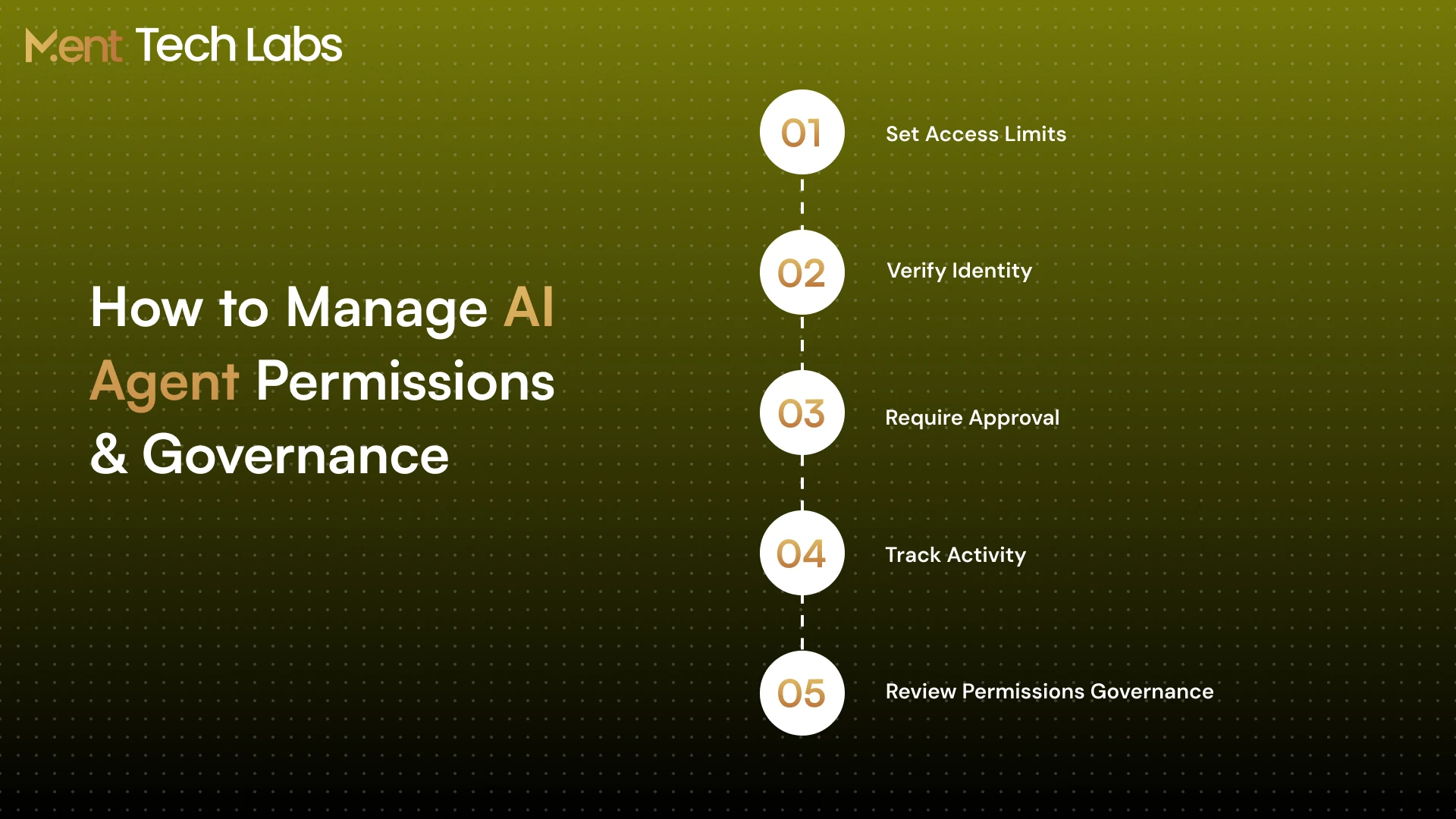
1. Limit System Access
Not every agent needs access to everything. A support agent handling customer queries for instance has no reason to view payroll data or update records.
2. Assign Agent Identities
Each agent needs its identity just like an employee account. This lets IT teams see which agent accessed a system and trace its actions when something goes wrong.
3. Keep People in Control
Some tasks shouldn’t run without approval. Payments, refunds or changes to records can be flagged for a team member to review before they go through.
4. Check Activity Logs
Agent logs show which tools were used what requests were. Where tasks failed. Reviewing these records helps teams catch activity or access that shouldn’t have happened.
5. Update Access Rights
An agents access shouldn’t stay the same forever. When businesses use enterprise AI integration services to connect applications permissions need another look to make sure agents aren’t getting more access, than required.
Good governance comes down to knowing what your agents can do and keeping those permissions in check as their responsibilities change.
Multi-Agent Management: Key Challenges and Solutions
Running agents in a process can cause issues. One agent can finish its work while another agent waits for information or an update from an agent may disappear. Good multi-agent management means that I notice these problems before they affect the result.
1. Poor Task Coordination
Two agents doing the job can create work. An orchestrator assigns tasks. An orchestrator makes sure that every step stays on track.
2. Lost Context Between Agents
If the next agent does not have the details from the step the agent may work with incomplete information. Keeping a shared task history allows every agent to start where the previous agent stopped.
3. Failed Agent Handoffs
A failed request can make the next agent wait for ever. Saving progress. Trying again after an interruption keeps the process going.
4. Conflicting Agent Actions
Imagine two agents updating a customer’s address at the time. One agent might replace the work of the agent. Using version checks and database locks stops this from happening.
5. Difficult Error Tracking
When a process fails developers need to find out which agent caused the issue. Trace IDs and detailed logs find the failing step, without searching through data.
Before putting agents into a system test how they handle failed requests, missing data and unexpected events. AI security and red-team services can find problems that normal testing might not see.
5 Reasons Your Business Needs AI Agent Cost Management
Running AI agents involves more than paying for API calls. Model usage, cloud hosting, and repeated tasks can drive up costs without much warning. AI agent cost management helps businesses track spending, while AI security and red teaming services can uncover security weaknesses that may lead to unauthorized usage and unexpected expenses.
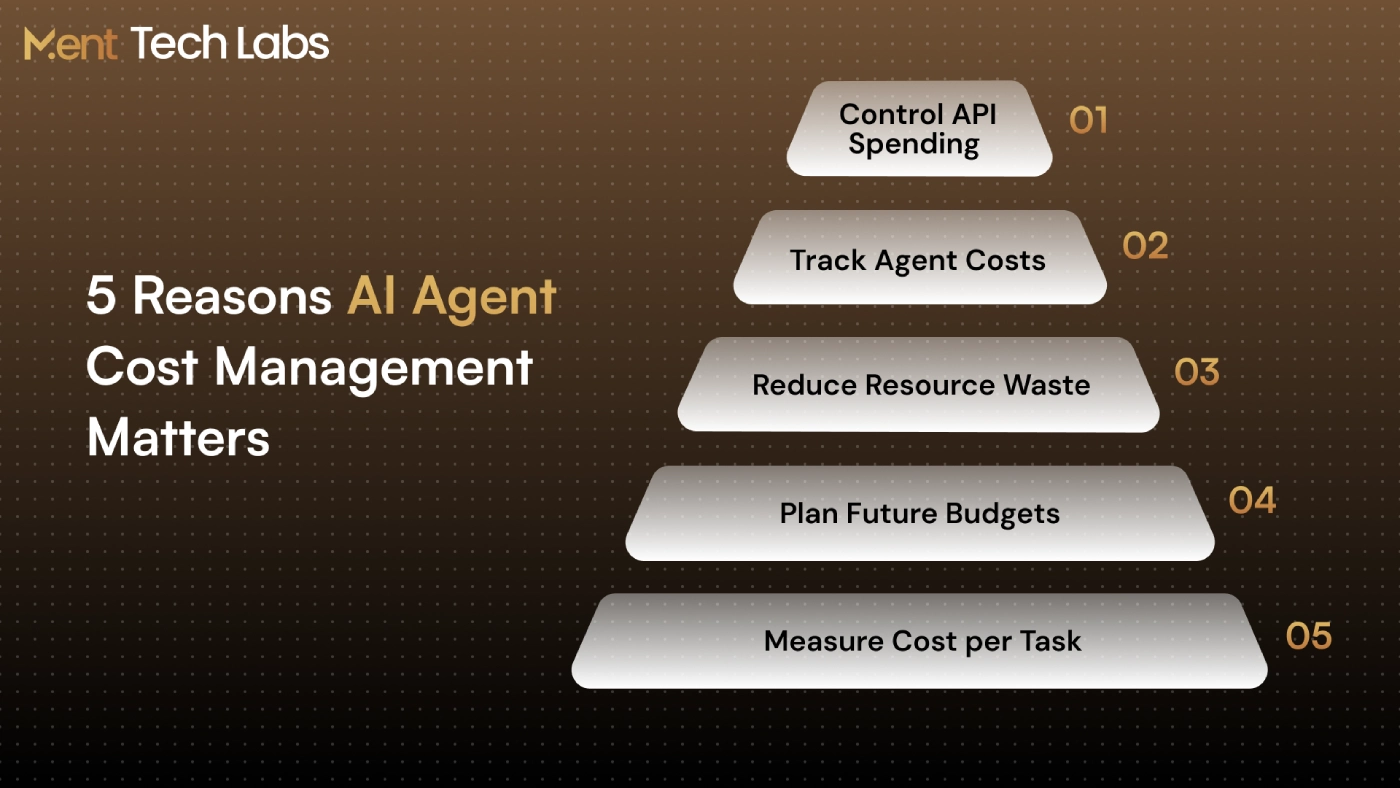
1. Control API Expenses
many API requests can lead to big unexpected bills. Setting spending limits and alerts helps you catch usage before it gets out of hand.
2. Track Individual Agent Costs
One AI agent might cost more than another doing the same kind of work. Tracking each agent’s spending separately makes it easier to find which ones are expensive and why.
3. Reduce Wasted Resources
Failed requests, repeated actions and processing that doesn’t need to happen still cost money. Looking at usage logs helps you find where you’re wasting resources.
4. Plan for Future Costs
Adding AI agents means higher hosting and processing bills. Knowing how much your current workflows cost helps teams plan for spending.
5. Measure Cost per Task
An AI agent doing 1,000 tasks isn’t always saving money. Comparing the cost of each task to the work it replaces gives an idea of its true value.
Keeping these costs visible helps businesses make decisions, about spending. It also prevents you from paying for work that could be handled efficiently.
Best AI Agent Management Platforms in 2026
As more teams begin using AI agents, it can become difficult to track who is in charge of them or what they are actually doing. IT teams need tools that allow them to monitor agent behavior, check system access and respond quickly when issues occur. Here are five platforms to consider in 2026.
1. Ment Labs
Ment Labs helps businesses build and manage custom AI agent systems that fit their existing operations. Its services cover agent development, system integration, access controls, governance, and performance monitoring, making it suitable for companies that need a tailored solution rather than a ready-made platform.
2. Microsoft Agent 365
Microsoft Agent 365 brings together agent records, identity management and activity tracking in an interface. For organizations that use Microsoft 365 and Entra this platform makes it easy to manage AI agents alongside existing security and identity tools.
3. IBM watsonx Orchestrate
IBM watsonx Orchestrate is designed for situations where AI agents must work across business applications. It allows teams to track task execution review agent performance and investigate failures without having to go through each system one by one.
4. ServiceNow AI Control Tower
ServiceNow AI Control Tower provides IT teams with a view of all AI agents running across different platforms. It connects agent oversight with workflows around security, risk management and IT operations.
5. Voiceflow
Voiceflow helps teams design, test. Maintain chat and voice-based AI agents. It lets users simulate conversations evaluate agent responses and make changes when an agent struggles with types of customer questions.
The right platform depends on where your AI agentsre running and what you need to control. In addition to platform features it’s important to consider AI API cost optimization for production agents, for production agents. This helps teams understand how model usage affects operating costs and find ways to reduce spending.
Conclusion
Building AI agents is one thing. Keeping AI agents running across many departments is another. AI agent management helps businesses keep track of AI agent activity, control system access and catch rising costs before they become a problem.
Ment Tech works with businesses to bring AI agents into their existing systems without losing sight of security or performance. With enterprise AI product engineering the focus is, on building workflows, managing integrations and keeping AI agents under control as operations grow.
Looking to bring more AI agents into your business without losing control over security and performance? Ment Tech can help you plan and manage your deployment. Contact us today to explore your requirements.