Introduction
An AI agent might be handling a routine task when something goes wrong. It could run an incorrect command, access a file it shouldn’t, or make changes without permission. When agents have access to business tools, systems and sensitive data, even a small mistake can turn into a bigger security problem.
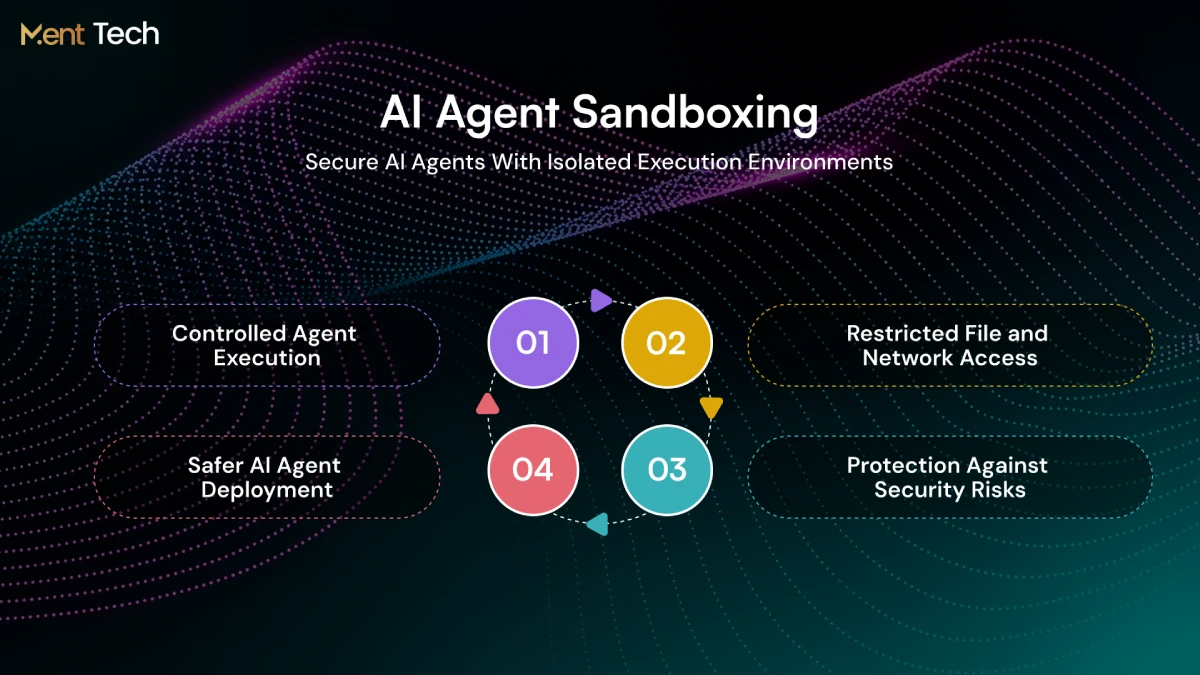
AI Agent Sandboxing gives businesses a place for agents to work. They do not get access to the systems. Teams can test jobs, limit what agents can reach, and catch problems early. In this blog, we’ll look at why AI agents need sandboxes, what is going on in the market, six platforms to check out, and how companies can set up and run sandbox environments in production.
What Is an AI Agent Sandbox Platform?
AI agents can do more than just answer questions. AI agents can run code, open files, browse websites, and work with business applications. Things can go wrong if an AI agent executes the wrong command or gets access to information it shouldn’t.
An AI Agent Sandbox Platform gives agents a space to carry out tasks without direct access to the main system. An AI Agent Sandbox Platform lets businesses control which files agents can access, which tools agents can use, and how agents interact with systems. With AI Agent Sandboxing, teams can test agent activities. Catch potential issues before they affect business operations.
Why AI Agents Need Sandboxes
AI agents encounter risk when AI agents work with tools and link to systems. Sandboxes reduce these risks, and AI Security and Red Teaming Services spot hidden problems before AI agents are released.
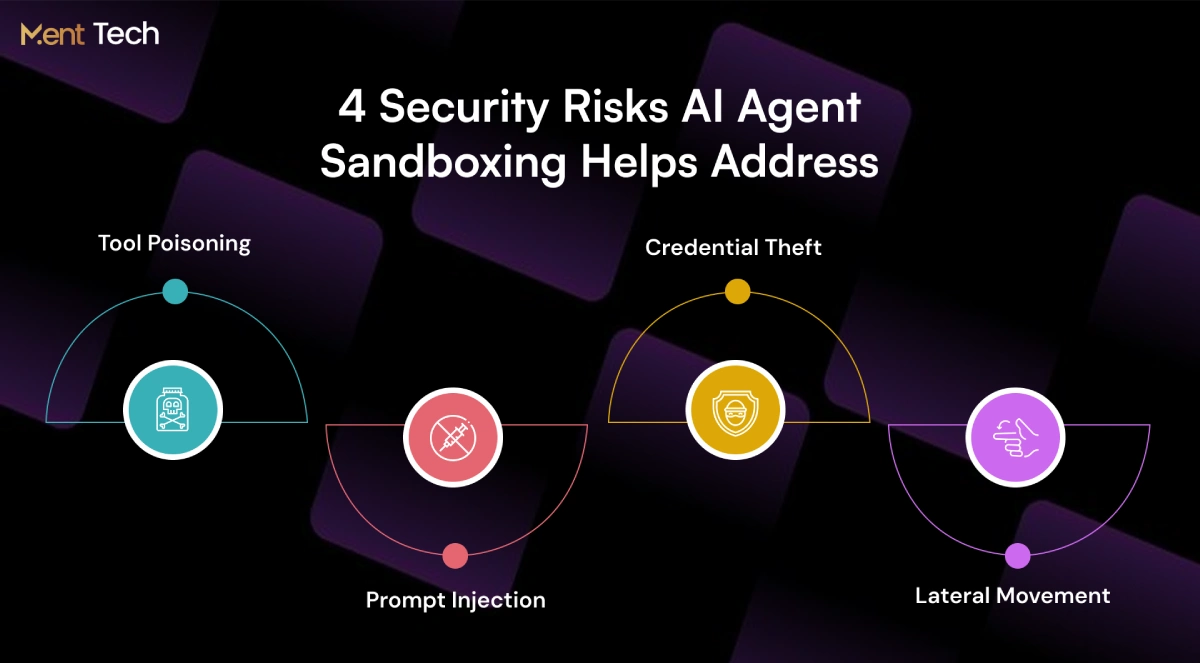
1. Tool Poisoning
Malicious tools can hold commands that fire when an AI agent uses them. If sandboxing is not in place, malicious tools can reach out to files, credentials, and internal services.
2. Prompt Injection and File Access
Hidden instructions in uploaded documents can trick agents into accessing sensitive files. Sandboxing restricts filesystem access and helps prevent unauthorized data exposure.
3. Credential Theft
When MCP servers are compromised, API tokens, database credentials, and environment variables can be exposed. Placing the agent in an environment can limit the agent’s access to those sensitive credentials.
4. Lateral Movement
A hacked AI agent can use its network access to get to services and linked systems. Network isolation helps stop attackers from going into the company’s systems.
How Does AI Agent Sandboxing Work?
AI agents need access to files, tools, and systems to finish their tasks. AI Agent Sandboxing keeps these actions in an environment, so businesses can control what AI agents are allowed to access, execute, or modify.
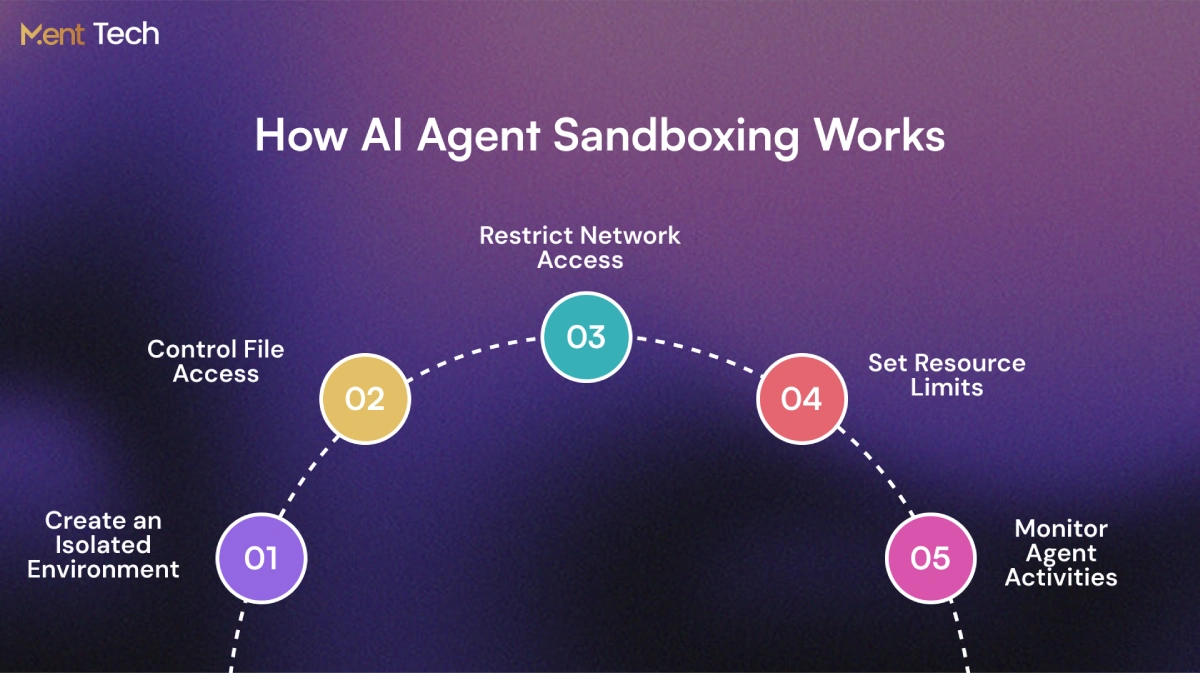
1. Create an Isolated Environment
Every agent gets its space to do its work. It does not touch the system directly. This space can use containers, virtual machines, or microVMs.
2. Control File Access
Agents only get access to the files needed for a task. This reduces the chances of changing or exposing sensitive information.
3. Restrict Network Access
Businesses have control over which websites, APIs and internal systems an agent can access. MCP Server Integration Services make it easier to connect AI agents with business tools and applications using the Model Context Protocol.
4. Set Resource Limits
Sandboxes set limits on CPU, memory and execution time to keep agent activities under control. Sandboxes prevent running tasks from consuming more resources than necessary.
5. Monitor Agent Activities
Businesses can keep track of the commands that agents run, the files they modify and the network connections they establish. When a task finishes, the sandbox can be. Deleted to remove any temporary data.
AI Agent Sandboxing Market Trends and Investment Outlook
As businesses start using AI agents for coding, data analysis and everyday tasks, keeping AI agents under control is becoming a concern. This is driving interest in sandbox environments that let AI agents work without giving AI agents access to business systems.
- 20% of respondents in a 2026 Linux Foundation survey already use microVM sandboxing for AI workloads, while another 30% plan to adopt it.
- 47% of organizations surveyed by the Cloud Security Alliance reported experiencing an AI agent-related security incident.
- Daytona raised $60 million in October 2026, while E2B secured $21 million in July 2025 to expand its AI agent infrastructure.
Businesses and investors are paying attention to the infrastructure behind AI agents. As the use of AI agents grows, secure execution environments will become a part of how AI agents are deployed and managed.
How to Evaluate an AI Agent Sandbox Platform
Not every sandbox platform fits your business needs. Before you pick a sandbox platform, check how a sandbox platform deals with security, workloads, integrations and costs.
1. Isolation Strength
Check how well the platform separates agent tasks from your systems. Strong isolation helps keep the impact of actions to a minimum.
2. Permission Configuration
Find ways to limit what files, APIs, and outside resources agents can reach. That way, agents stick to what they need to get the job done.
3. Workload Capacity
Check how fast the platform creates sandboxes and manages agents at the same time. The platform should support increasing workloads without slowing down execution speed.
4. Compatibility With Existing Tools
Make sure the platform works with your current AI frameworks, APIs and development environment. Businesses that are building custom agents can also look into AI Agent Development Services to link their agents with their existing workflows.
5. Activity Tracking
Check if the platform keeps records of agent commands, file changes and network requests. These platform records help to investigate behaviour and review agent activity.
6. Total Cost of Ownership
Look at the costs for how the code runs, how much storage it needs, how many resources it uses and how many sandboxes can run at the same time. Pick an AI Agent Sandbox that fits your needs and does not add costs.
6 Best AI Agent Sandbox Platforms for Secure Execution
Not every AI agent needs the kind of sandbox. Some platforms are better for running code, while others provide workspaces, GPU support, or make cloud integration easier. Here are six platforms worth taking a look at.
1. E2B
E2B gives AI agents an environment where they can run code, test commands and work with data. E2B uses Firecracker microVMs. Lets developers pause and resume environments without losing files or memory.
Best for: Coding agents, code interpreters, and data analysis.
2. Daytona
Daytona gives you made spaces where AI agents can run code, install packages and work with files. You can pick from kinds of setups. These include Linux, Windows, virtual machines and GPU workloads.
Best for: Development agents and long-running coding tasks.
3. Modal
Modal makes it easier to run code in cloud environments. Modal supports gVisor and VM runtimes. Also provides the computing resources that are necessary for heavy AI workloads.
Best for: Python-based AI applications and GPU-intensive workloads.
4. Vercel Sandbox
Vercel Sandbox gives developers a way to run code they do not trust inside Firecracker microVMs that are kept separate from everything. You also get SDKs for JavaScript and Python. With these, you can set up. Manage sandbox environments.
Best for: Developers building AI applications with Vercel and Next.js.
5. Cloudflare Sandboxes
Cloudflare Sandboxes give developers isolated Linux environments to run AI-generated code. It also provides Workers, which let you run JavaScript, Python, and WebAssembly code.
Best for: AI applications built around Cloudflare Workers.
6. Fly.io Sprites
Fly.io Sprites gives me Linux environments where AI agents can run code and manage files. AI agents can go back to their workspace and keep all the data that AI agents saved before.
Best for: AI agents that need persistent workspaces and long-running tasks.
Each platform offers something, and the best choice depends on the work that your agents need to perform. Before you pick a platform, compare the platform’s security features, the platform’s network controls, the platform’s performance, and the platform’s ability to manage agent sessions.
How to Set Up an AI Sandbox for Your Business
Before you set up an AI sandbox, you need to know what you want to try out and which tools your team requires. A few planned steps can help a company test AI agents in a controlled way before linking them to real systems.
1. Define Your Objectives
First, decide what you want your AI agents to handle, whether it’s code execution, data processing, or daily workflows. Having clear goals makes it easier to choose the right sandbox setup.
2. Choose a Sandbox Platform
Choose a platform that matches your business requirements, security needs and budget. Make sure to look at the platform’s isolation features, its integrations and whether the platform can handle agents.
3. Prepare Your Data
Use anonymized or sample data instead of exposing sensitive business information during testing. Make sure the data reflects real situations your agents may face.
4. Deploy Your AI Agents
Place your agents inside the sandbox. Attach only the tools that the agents need. Start with permissions and observe how the agents perform before granting the agents more access.
5. Conduct a Risk Assessment
Test how agents react when they face inputs, wrong commands or unauthorized access attempts. AI Governance Consulting Services can help set up the policies and controls that keep AI Governance Consulting Services used responsibly.
6. Refine and Optimize
Review test. Activity logs to find what needs fixing. Make the changes to permissions, resource limits and configurations before testing again.
7. Plan Full-Scale Deployment
When the agents perform as expected, begin moving the agents into production in stages. Keep monitoring the agents. Keep reviewing the security controls as the usage of the agents grows.
Conclusion
As AI agents take on more tasks, keeping their activities under control becomes just as important as getting the work done. AI Agent Sandboxing gives businesses a way to test agents, limit their access, and catch potential issues before they affect live systems. Choosing the right platform and setting clear permissions makes AI adoption safer and easier to manage as business needs grow.
Building secure AI agents requires the right development approach and security measures from the start. At Ment Labs, we help businesses build intelligent solutions through AI Agent Workflow Automation Services that fit their business processes. Contact us today to discuss your requirements and explore how we can help you build and deploy reliable AI agent solutions.