Introduction
Businesses spend a lot of time updating records, tracking approvals and sharing data between systems. These tasks might seem small. They can quickly pile up. Workflow automation connects these processes so teams don’t have to handle every step
Whether its processing invoices or updating customer records, automated workflows keep tasks moving between systems with errors and less delay.
This blog covers how automated workflows work, their benefits, real-world examples and leading tools, in 2026. We’ll also look at implementation steps and future developments.
What Is Workflow Automation and How Does It Work?
Workflow automation entails the use of software to automate business processes in order to reduce the need for human intervention. It facilitates communication among various applications, management of tasks, and routing of requests according to pre-existing process. Workflow automation can be used by groups to ensure that approvals, record keeping and blocking of any work in progress are made easy.
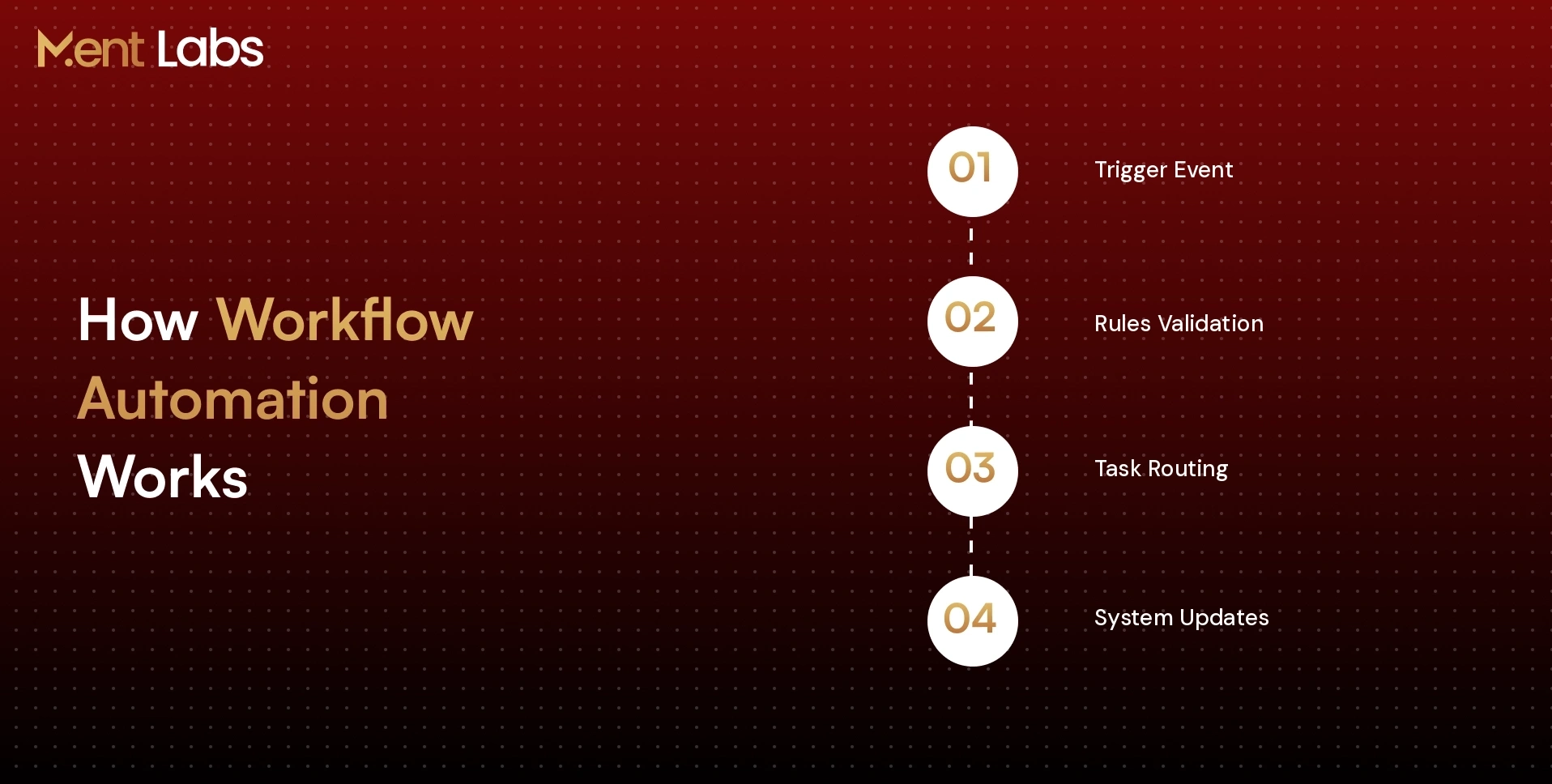
A workflow automation process starts with an occurrence of certain event, which could be filling out of forms by customers or a purchase request by employees. The software will validate any pre-defined rules, then send the request to the correct person and make any updates on other integrated systems at every point of the process.
Why Use Workflow Automation? Key Business Benefits
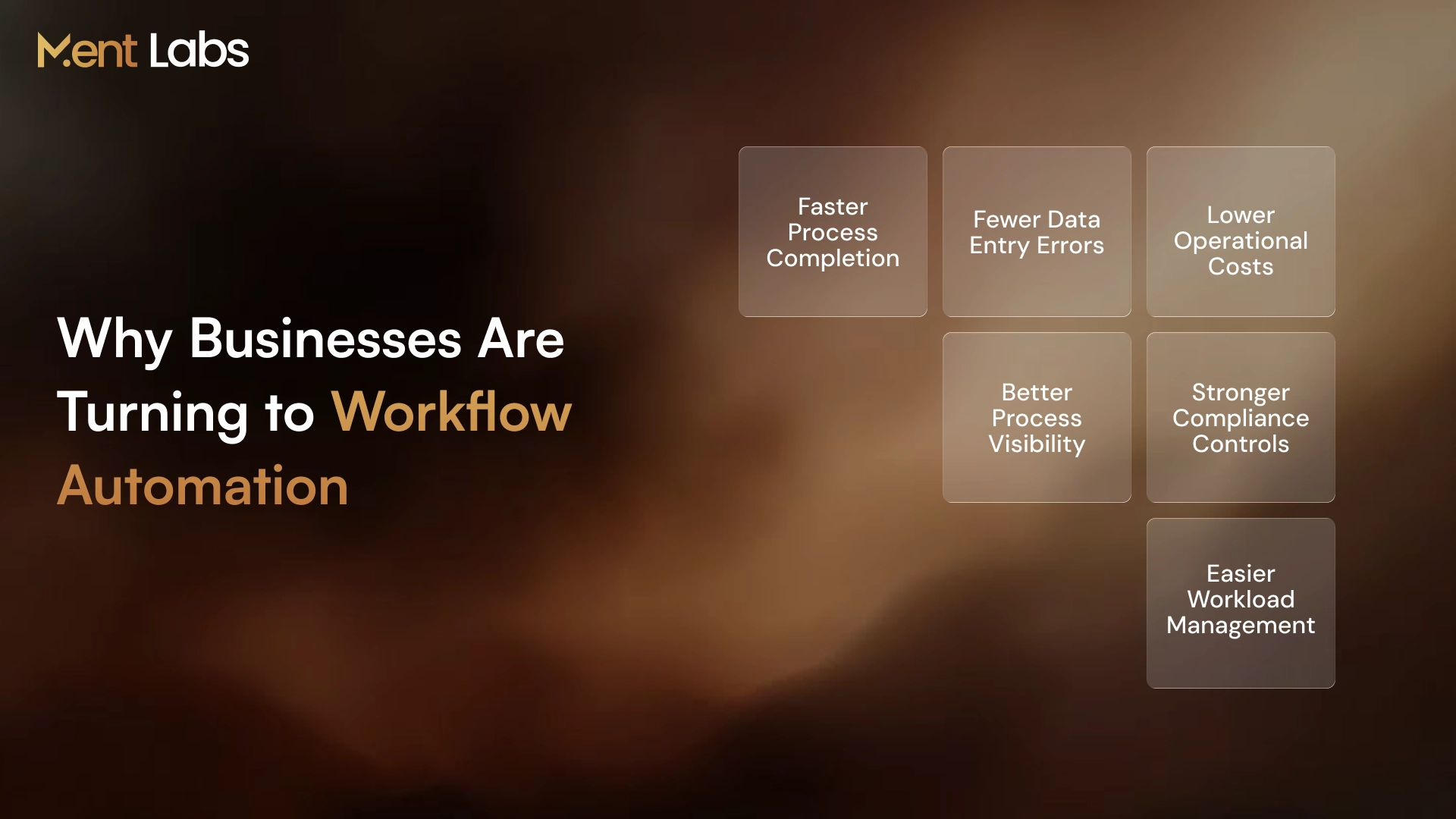
Manual processes often lack efficiency because information must travel between departments and the same data is entered twice. Workflow automation solves these problems by encouraging teamwork and managing the flow of tasks.
1. Process Efficiency
Processes start automatically once the required conditions are met, which removes waiting time between departments.
2. Fewer Errors Caused by Human Factor
Workflow automation sends data automatically which removes entries and checks that the information is correct.
3. Reduction of Expenses
Because workflow automation eliminates the need for follow‑up, fixes or data entry companies save money on invoices order fulfillment and customer support.
4. Visibility of Processes
Workflow automation makes it possible for teams to see the approval status, task completion and any delays all in one dashboard.
5. Management of Processes
Workflow automation controls approval limits, access rules and every step so that compliance is maintained and the transaction history is kept.
6. Dealing With Increased Workload
Automated processes handle growing task volumes with less manual effort. AI agent workflow automation services can also coordinate complex tasks and route exceptions for review.
Types of Workflow Automation: Rule-Based, AI, and Agentic
Companies decide on workflow automation according to the nature of processes in terms of operations, data processed, and level of decision making. There are three primary methods for implementing workflow automation:
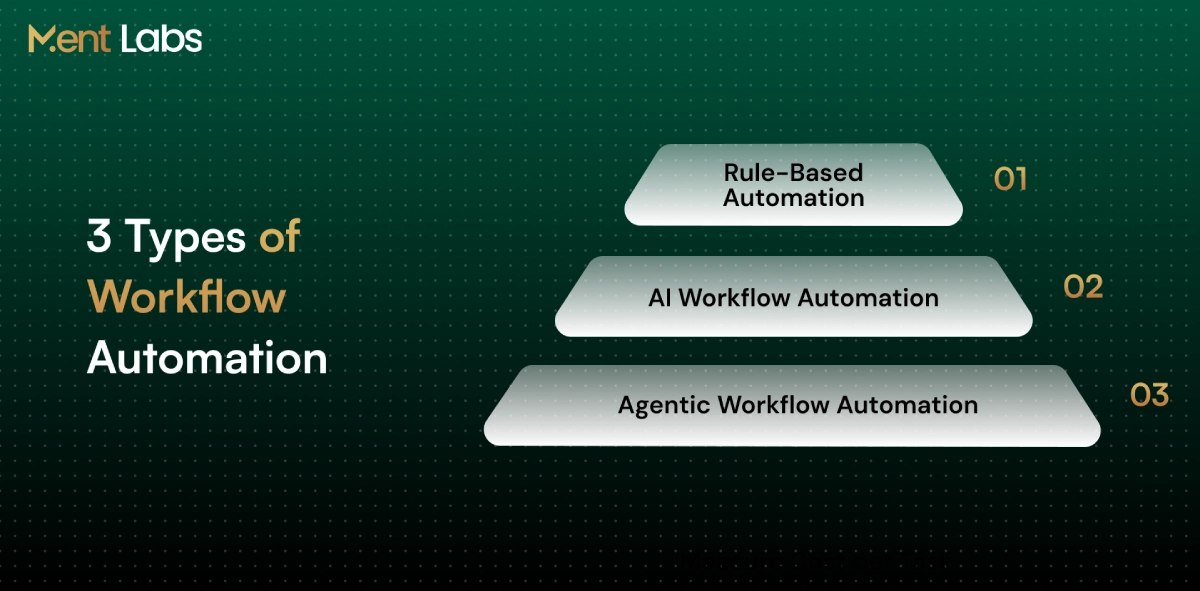
- Rule-Based Workflow Automation: Runs according to pre-defined conditions for performing routine tasks. Purchase orders below a defined budget are directed to the responsible manager, while purchases above it need more approvals.
- AI Workflow Automation: Employs machine learning and natural language processing for reading documents and incoming requests. It is capable of reading invoices, classifying support tickets, and detecting payment discrepancies.
- Agentic Workflow Automation: Coordinates multistep processes in connected business applications. Agens can perform tasks such as searching customer information and updating service tickets.
Real-World Workflow Automation Examples Across Industries
Businesses use automated workflows to manage tasks between departments and connected systems. Below are six examples of workflow automation in industries.
1. Banking and Finance Industry
The banking and finance industry uses automation to handle customer onboarding, identity verification, KYC checkups and sanctions screening. The link between verification tools and the banking system is created through enterprise AI integration services.
2. Health Care Sector
The health care sector uses workflow automation to verify a persons health insurance send a request for authorization and update records when documents are missing or prior authorization fails.
3. Retailing and e-Commerce
The retailing and e-commerce industry monitors product stock levels and creates orders when the quantity falls below a level. Product availability updates are sent to all sales channels.
4. Human Resources Management
The human resources management industry uses automated workflows to employees collect necessary documents and set up accounts. After candidate approval further tasks are assigned to HR, IT and the hiring manager.
5. Sales and Marketing Operations
The sales and marketing operations industry uses a customer relations management system to sort leads by geographic location and product interest then informs the sales representative, about new clients.
6. Customer Support Services
The customer support services industry uses support software to classify tickets and assign them to the proper team. Escalations are carried out before the service deadline expires.
Best Workflow Automation Tools in 2026
1. Zapier
Zapier helps you link apps without writing code. I see sales and marketing teams use Zapier to pull website leads into CRM records and to send messages when new inquiries come in. Zapier keeps the flow smooth.
2. Make
Make lets teams build workflows with an editor. I have watched users set rules change data and connect apps. Make is very useful for managing orders, customer records and reporting tasks. Make makes it easy to keep track.
3. N8n
n8n gives developers freedom with APIs, custom code and workflow setups. I know teams can run n8n on their systems when they need control over deployment and data handling. N8n fits teams that want control.
4. Microsoft Power Automate
For businesses that use Microsoft 365 Microsoft Power Automate is a choice. Microsoft Power Automate links Outlook, Teams, SharePoint and Dynamics 365 to handle document approvals, messages and regular office tasks. Microsoft Power Automate helps teams stay organized.
5. Workato
Workato focuses on connections between systems. I have seen companies use Workato to share information between ERP, CRM and financial software with options to control access fix errors and watch processes. Workato keeps data flowing smoothly.
When normal platforms do not fit needs an AI agent development company can help create custom workflows that work with business systems. I recommend considering an AI agent developer, for requirements.
How to Implement Workflow Automation in Your Business
To introduce automation into the workflow, identify those processes that hinder the operations of your business. See how requests are processed, which steps require additional time, and where approvals are delayed.
1. Select the Relevant Tasks
Consider those processes that take more time than necessary for example, request approval or employee onboarding. Choose those tasks that require data to be reentered.
2. Study the Existing Process
See how work flows from one person to another. Identify which applications are used, where approvals occur and whether there are any unnecessary steps prior to automation.
3. Pick the Relevant Software
The software you choose should work with your CRM and ERP and other internal systems. Consider API, integration and maintenance aspects before choosing the solution.
4. Test Using Scenarios
Do not test only the successful requests. It is necessary to see what happens in case of lack of some information, rejection of approval and system connection failures.
5. Consider Access and Security
Define who will have access to confidential records, transaction approvals and setting up the process. AI security and red teaming services will be useful here.
6. Start Small and Analyze Results
Test the process with one team first and then introduce it on company level. Compare turnaround times, error rate and pending requests.
The Future of Workflow Automation: AI Agents and Emerging Trends
Workflow automation is changing as companies try to manage tasks that don’t always go in the way. AI agents are part of this change especially when handling workflows that involve systems and require approvals.
1. Specialized AI Agents
Businesses are now using AI agents to look at contracts check transactions and handle insurance claims. RAG development services help these agents get the information from company documents making them more accurate and helpful.
2. Multi-Agent Collaboration
than one agent can work on a single process. For example during supplier onboarding one agent might check the company’s registration details while another looks at their payment history. They exchange what they find and push the process forward together.
3. Better System Connections
New standards like Model Context Protocol (MCP) and Agent2Agent (A2A) allow AI agents to communicate with software and systems. This helps them share data between departments and tools making automation seamless and connected.
4. Human Oversight and Control
Some tasks still need involvement. Like approvals, legal compliance checks or changes, to sensitive data. Companies are using access permissions and strict authorization limits to make sure only the right people can step in when needed.
5. Improved Process Monitoring
Technical teams can now see what automated tasks are doing using execution logs and error alerts. When something goes recovery procedures help them locate the issue and fix it quickly. This makes workflows more dependable and easier to manage.
Conclusion
Workflow automation helps businesses reduce tasks avoid delays and make sure processes work well in all departments. When you create the connections and approval steps teams can finish work quicker and feel less stressed.
Ment Labs builds workflows that connect with your existing business tools. Our AI governance consulting services help companies manage who can access what monitor activities and follow rules and regulations.
Want to automate your business processes? Contact us today to discuss your needs and find a solution, for your team.